
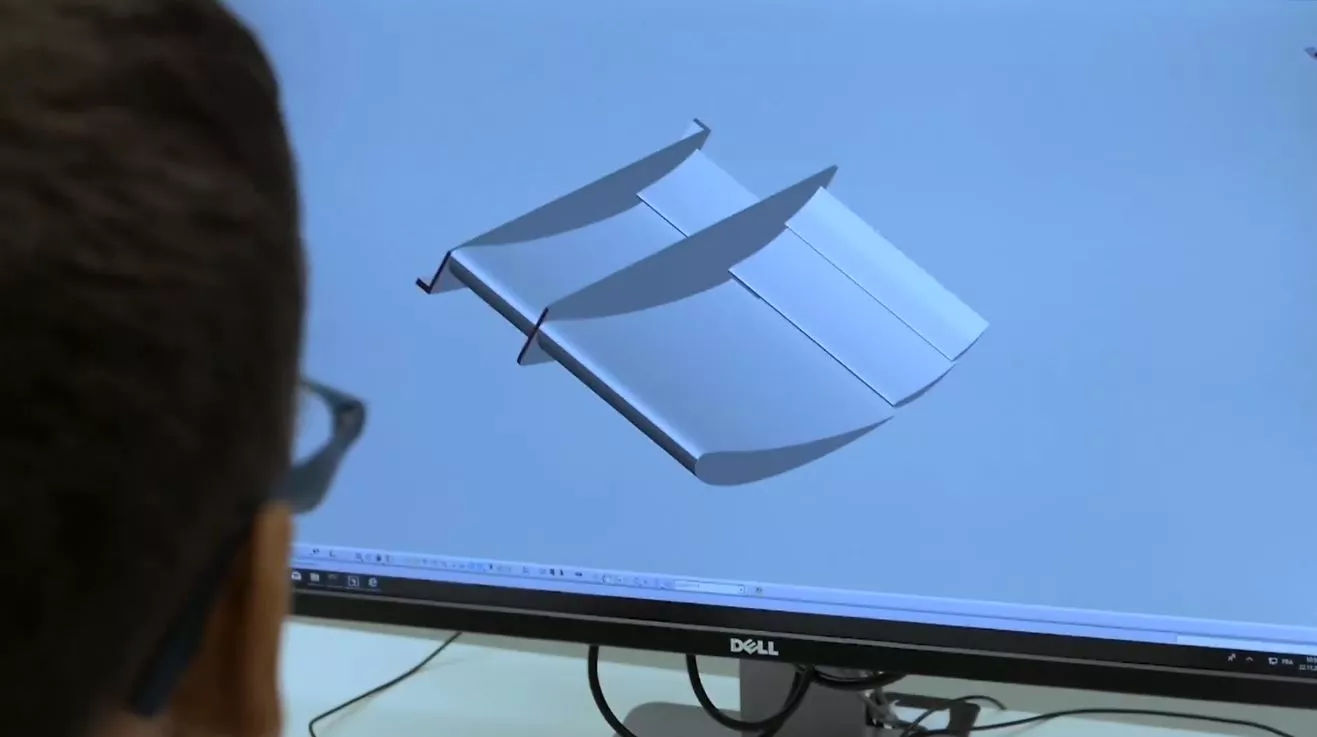
IT resources
SPOT
The Student Prototyping and Outreach Tank is a makerspace open to all the bachelor and master students at EPFL. In the free access area you can use basic tools to assemble/tests your prototype. You also have access to IT ressources, a computer room, storage room (limited) and spaces to meet with your team and ideate
The IT resources are only accessible to interdisciplinary projects
Equipment
Archive Storage
Description
Knowledge management is fundamental for good project management. The typical solution adopted (by default) by most projects, is to create a collaborative drive for the team that becomes quickly messy and where part of the information is not often consulted by team member.
This is the reason why an archive storage solution has been developped. This solution is designed to preserve interdisciplinary project history at EPFL. Designed specifically for long-term storage, each project gets up to 10TB of free storage space to securely store past years' data and media content (videos, pictures).
The data is stored on EPFL servers making this solution compatible even for sensitive documents. You can create subfolders with restrictive access or subfolders to share outside of your team (with sponsors etc..)
However, this isn't your everyday collaborative drive. This solution is designed for archiving documents, not frequent file access. Perfect for keeping important project records safe and sound, but not ideal for files you need to check regularly or edit with multiple users simultaneously. Think of it as a digital time capsule, preserving your work for future generations!
WARNING !!! This storage solution is reserved for members of interdisciplinary projects only!!!
Archive Storage
Matrix server
Description
If you need a tool to communicate in your team effectively, different tools exists.
However the most popular tools are either not free (for example slack) or not safe (for example discord). At EPFL, a matrix server is available for team communcation. This server is safe, free and respecting EPFL guidelines in terms of secrecy (data are stored in Switzerland - on EPFL campus - and are properly encrypted). Matrix is using clients (similar to emails). We strongly advise interdisciplinary projects to use this tool for their team communication.
With the MAKE team we are still using slack but we are planning to transit to matrix in the future for a safer forum workspace.
Matrix server
IoT WiFi network
Description
Do you have a great prototype that you'd like to connect for remote control? Or simply an embedded device that needs an Internet connection to work? On the EPFL campus, you should not create access points with your smartphone (i.e., connection sharing) because of EPFL policies. For this reason we created a dedicated IoT (Internet of Things) WiFi network named SPOT-iot, allowing you to safely to connect your objects to the Internet via EPFL's network, and to access them from your computer.
For all the details and to enable your access, please click on the link below.
IoT WiFi network
Workstation
Description
!!! WARNING : This licence software are reserved for members of interdisciplinary projects !!!
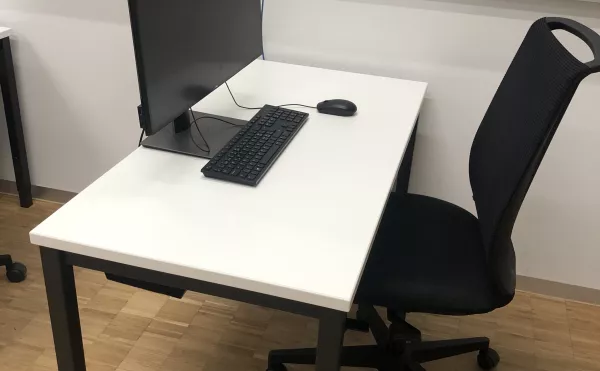
Not a fan of daylight and think outdoor vacations are overrated? Then look no further, you’ve found the perfect place to work! These fully equipped workstations are made for you ! Hardware: Intel i7-11700 CPU (2.5 GHz) with 16 virtual cores, 64 GB RAM; GPU NVIDIA Quardo RTX 4000 Operating system: Windows Server 2022 with terminal services
The available softwares installed on these machines are the same you can find on the remote desktops. You can find the list of software on the following page.
Workstation

MQTT server
Description
MQTT is a protocol widely used for IoT (Internet-of-Things) devices, typically to transmit sensor readings and events. An MQTT server is provided at dllprot-mqtt.epfl.ch. To use the server, you first need to activate your IoT WiFi account (see https://make.epfl.ch/equipment/241). You can then authenticate from your devices using your SCIPER as username, and the same password as for the IoT WiFi network. If you need a non-personal account for long-term use by a project, please ask.
MQTT server
Software licenses
Description
!!! WARNING : This licence software are reserved for members of interdisciplinary projects !!!
This software is accessible either on the workstations in SPOT's IT space, or using remote desktop.
You can check out the list of available licenses here.
As of August 2026, they include:
- Autodesk Fusion (CAD, CAM, CAE, PCB) - Modeling / Design
- Altium Designer 25 (CAD, PCB) - Modeling / Design
- ANSYS 2024 R2 (FEA) - Simulation / Analysis
- CATIA (CAD) - Modeling
- MATLAB R2025a with Simulink (FEA) - Simulation / Analysis
- Microsoft Office 2021
- PTC Creo Parametric 12 (CAD) - Modeing / Design
- Rhino 7 (CAD, CAM) - Modeling / Design
- Solidworks 2024 (CAD)